Skip to content
Bominu

Daily routines, one picture at a time

A visual schedule and reward board for your family. You set the routines and rewards; your child follows each step.

A routine in progress: the “Put on pajamas” step, a blue ring showing the time left, and a Done button.
The Bominu Board: Bominu says “Next up: Bedtime. Ready?” above the 7-step Bedtime routine and a Start button.

Step by step, in pictures

A routine becomes a few short steps. Each one has a picture and a name read aloud, and a shrinking ring shows the time left.

The timer tool: a blue felt disc showing the time left for “Tidy your toys”, with a Pause button.
  • 10 ready-made templates, from school mornings to bedtime, with steps for three age groups
  • A library of 120 step pictures, or your own photos and voice with Premium
  • When time runs out, there's no rush: the step waits and still earns its star
The celebration screen: “You finished! School morning is done.” with 8 stars earned and the weekly goal reached.

Stars become rewards you choose

Every finished step earns a star. You write the rewards; your child saves up, and you approve when they want to spend.

  • Bominu suggests a reachable price for each reward, and you adjust it
  • Stars that were earned are never taken away
  • Stars can't be bought or turned into money
My rewards: saving up for a picnic in the park, an ice cream waiting for a grown-up, and rewards with their star prices.
The Rewards tab in the Parent Area: 474 stars in the jar and daily, weekly and long-term rewards.

Bominu is never sad

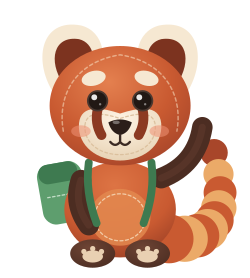
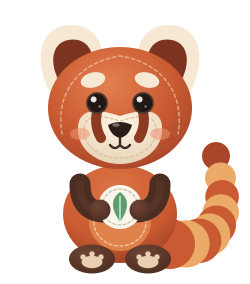
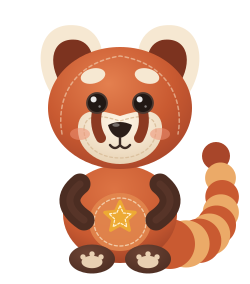
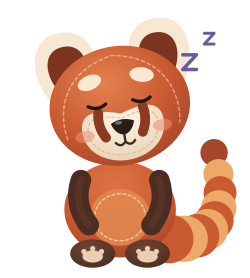
A stitched felt red panda. Bominu gains, grows and dresses up, but never gets hungry, upset or impatient. There are no streaks to break.

The tree house: 32 routine days in total, a best week of 7 days, and the scarf, beanie and backpack in the closet.
Sets off exploring when a routine is done
Comes back with a keepsake patch for the album
New things arrive at the tree house as the days add up
Curls up in its tail for the bedtime routine

The Board is your child's. The settings are yours.

The Board

What your child sees. No ads, no purchases, no outside links and no text fields. The way out always goes through the parent gate.

The parent gate: a PIN is asked before the Parent Area opens, with a “Forgot my PIN” link below.

The Parent Area

Opens with your PIN, Face ID or year of birth. Approvals, a five-minute weekly review and reports live here.

By default, if the app stays in the background for more than two minutes, it locks back to the Board.

The Overview in the Parent Area: items waiting for approval, a sentence of praise you could say today, and the weekly goal.

No account. Your child's records stay on this device.

Nothing to upload
Names, routines, stars, photos and voice recordings are never sent to a server.
Backups you keep
A backup is a single .bominu file that you create and save where you like.
Child accounts
If the device's Apple Account belongs to a child under 13 and the age range is shared, ads, the notification service and usage measurement switch off.
Read the privacy policy

A felt routine board, on your phone

Many families of children with ADHD or autism use visual schedules. Bominu brings the method to iPhone and iPad: picture steps, a timer, praise and rewards.

The free version always works; Premium unlocks more.